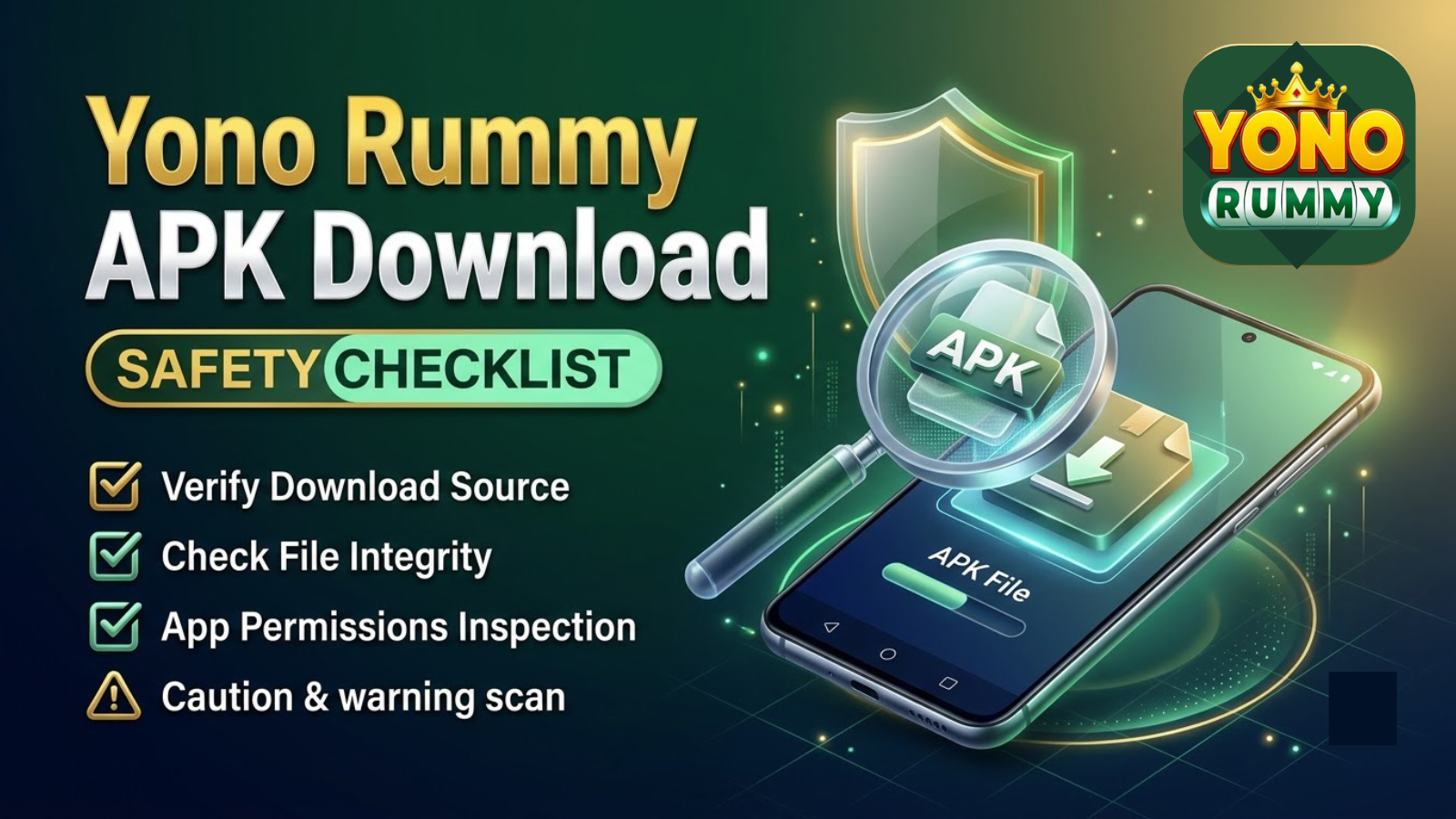
Yono Rummy APK Download: Safety Checklist
If you are planning a Yono Rummy APK download, take a few minutes to check the source, file details and permissions before installing the app. Downloading an APK directly can be convenient, but it also means you need to pay attention to where the file comes from and whether it matches the app you intended to install.
Yono Rummy is described in the available project information as an Android-based, multi-game real-money gaming platform with rummy as its main focus. Since APK files can be distributed through different websites, finding a page with the correct app name is not enough to establish that a download is genuine or safe.
This checklist explains how to assess a safe Yono Rummy APK, review Android security warnings, protect your personal information and make an informed decision before proceeding.
7 Safety Checks Before a Yono Rummy APK Download
1. Check the Download Website Carefully
Start by examining the website offering the Yono Rummy APK. Do not assume that a page is trustworthy simply because it uses the correct app name, displays a download button or appears near the top of search results.
Before downloading, check the following:
- Website address: Read the full domain name and look for misspellings or unexpected changes.
- Download destination: Check whether the button leads to the website you expected or redirects to an unrelated domain.
- App information: Look for a clearly identified developer, current version and relevant installation instructions.
- Contact and privacy details: Check whether the website provides meaningful information about its operator and how personal data is handled.
- Unusual requests: Avoid pages that ask you to install unrelated applications, provide unnecessary personal details or complete suspicious downloads.
HTTPS is useful because it encrypts the connection, but it does not prove that a website or APK is trustworthy.
Use a verified download source whenever one can be established. If you cannot confirm the source, it is safer to stop rather than download the file.
2. Verify the APK Version and File Details
Before installing, compare the downloaded file with the information provided by the source you have independently verified.
Pay attention to these details:
| Detail | What to check |
|---|---|
| App name | Does it match the intended Yono Rummy application? |
| Version | Is the version identified clearly and consistent with the download page? |
| File size | Does the downloaded file match the published size? |
| Developer | Is the developer identifiable and consistent with the app information? |
| Package identity | Where available, does the package name match the verified release? |
| Digital signature | Can the file’s signing identity be matched to a trusted release? |
The available Yono Rummy project reference lists version 1.0 and an approximate APK size of 200 MB, but these details require confirmation before publication or use. Do not treat them as proof that a particular file is the latest or authentic version.
A different file size does not automatically mean that an APK is malicious. Updates and different builds can vary. However, unexplained differences are a reason to investigate before installing.
If the website does not provide enough information to identify the file, do not assume that the download is genuine.
3. Scan the APK Before Installation
An APK can contain unwanted software, so checking the file before installation is an important precaution.
On Android, Google Play Protect can scan applications and warn about potentially harmful software. Keep this protection enabled and pay attention to any warning shown when you open an APK.
Follow these precautions:
- Download the file only after checking its source.
- Allow your device’s available security protections to scan it.
- Read any warning carefully instead of dismissing it automatically.
- Stop if the file is flagged as harmful or its origin cannot be established.
- Delete a suspicious or incomplete download rather than attempting to force the installation.
A clean scan is useful, but it is not a guarantee that an application is completely safe. New or modified files may not always be recognised immediately.
Avoid websites that promise a completely risk-free APK or claim that a file is safe without providing credible evidence.
4. Review Android Permissions Before Proceeding
Some Android applications require permissions to perform their functions. However, permissions should make sense for the app’s purpose.
During installation or first use, review the permissions requested by the application. Be cautious if a gaming app asks for access that appears unrelated to its advertised functions.
For example, consider whether a request for contacts, SMS messages, accessibility access or extensive file access is necessary. Do not grant sensitive permissions simply because the app asks for them.
The exact permissions required by Yono Rummy have not been independently confirmed in the available project information. Therefore, this guide does not claim that the app requests or avoids any particular permission.
Important: If you cannot understand why a sensitive permission is needed, pause the installation and seek clarification from a source you can verify. If the explanation is inadequate, do not proceed.
5. Protect Your Mobile Number, OTP and Payment Information
Account registration and payment features deserve extra attention when using a real-money gaming application.
Before sharing personal or financial information, check the platform’s privacy policy, account terms and payment instructions. Confirm that you understand what information is collected and how it may be used.
Keep these rules in mind:
- Never share an OTP with another person claiming to be customer support.
- Do not disclose your UPI PIN, banking password or other payment credentials to an app representative.
- Never install a separate APK sent by an unknown person to resolve an account or withdrawal issue.
- Avoid entering payment information on unexpected websites opened by advertisements or redirects.
- Check the recipient and transaction details carefully before authorising a payment.
- Keep screenshots or transaction references for legitimate payment records, while protecting sensitive information.
A website’s claims about secure payments or data protection should not be treated as independently verified evidence. Review the available documentation before trusting such claims.
6. Understand the Difference Between Downloading and Trusting the App
Finding an APK that installs successfully does not establish that the application is trustworthy.
There are several separate questions to consider:
- Is the download source genuine?
- Does the file match the intended application?
- Does the digital signature match a trusted release?
- Does the application behave as described?
- Are its privacy practices and payment terms clear?
- Can you verify the operator’s identity and relevant legal information?
A successful installation answers only a limited technical question. It does not confirm the application’s security, fairness, payment reliability or legal status.
Yono Rummy is described in the project reference as a multi-game platform, rather than an app limited to rummy. Check which games are currently available and review the terms that apply to each activity. Do not assume that the legal treatment of one game automatically applies to every game on the platform.
If you are considering real-money play, check the current requirements and restrictions applicable to your location in India before registering or depositing funds.
7. Check Your Phone’s Security Settings After Installation
If you decide to install an APK from a source you have assessed, take a moment to review your phone’s security settings afterwards.
Android may require you to permit installation from a particular source, such as your browser or file manager. This permission is separate from the application’s own permissions.
For better protection:
- Allow installation from the relevant source only when you have made an informed decision.
- Avoid leaving unnecessary installation permissions enabled.
- Keep Android and your device’s security updates current.
- Review the installed app’s permissions in your phone settings.
- Remove an application if it behaves unexpectedly or requests unexplained access.
- Keep Google Play Protect enabled where available.
Do not disable security protections or bypass a warning just to complete the installation. If Android blocks the APK because it may be harmful, stop and investigate the reason.
How to Approach a Yono Rummy APK Download on Android
Once you have assessed the source and decided to proceed, the general APK installation process is straightforward.
- Visit the verified download page. Confirm the website address before selecting the download option.
- Download the APK. Wait until the download finishes, and check that the file is not incomplete.
- Review the security prompt. Read any warning displayed by Android or Google Play Protect.
- Check the installation permission. If Android requires permission for that source, understand the implications before deciding whether to allow it.
- Install the application. Proceed only if the source and file checks are satisfactory.
- Review the app’s permissions. Do not grant unnecessary access.
- Read the registration and privacy terms. Understand the information requested before creating an account.
The exact screens may differ depending on your Android version and device manufacturer.
If any step raises an unexplained security concern, stop rather than forcing the installation.
Common Warning Signs to Watch For
The following table summarises situations that deserve attention before you install or use the app.
| Warning sign | Recommended response |
|---|---|
| A download button redirects to an unrelated website | Stop and verify the destination. |
| The APK version or developer is unclear | Seek reliable release information before proceeding. |
| Your device flags the file as harmful | Do not bypass the warning. |
| The app requests unexplained sensitive permissions | Decline and investigate. |
| A support agent asks for an OTP or UPI PIN | Do not share the information. |
| The download is incomplete or repeatedly fails | Delete the incomplete file and reassess the source. |
| Payment terms or withdrawal conditions are unclear | Do not deposit money until you understand the terms. |
| The website promises guaranteed winnings or risk-free returns | Treat the claim as a warning sign, not a guarantee. |
Is the Safe Yono Rummy APK Available?
Whether a particular Yono Rummy APK is safe depends on the specific file, its source, the app’s behaviour and the evidence available to verify it.
The app name alone is not enough to establish authenticity. Similarly, a download page, positive user comments or a successful installation cannot independently prove that a file is secure.
Before downloading, look for reliable information about the developer, version, file identity and permissions. Scan the APK, read the privacy terms and take Android security warnings seriously.
If you cannot verify the source or resolve a significant security concern, the safer decision is not to install the file.
Frequently Asked Questions
1. How can I check a Yono Rummy APK download before installing it?
Start by verifying the website and developer. Compare the version and file size with reliable release information, scan the APK with available security tools and review the permissions it requests. Do not install a file that has unexplained discrepancies or a harmful-software warning.
2. Is a Yono Rummy APK safe if my phone allows the installation?
Not necessarily. Android allowing an installation does not certify the app as safe. You should still assess the download source, file identity, permissions and available security information.
3. Should I disable Google Play Protect to install Yono Rummy?
No. Do not disable security protection merely to complete an installation. If Play Protect displays a warning, understand the reason and verify the file before taking any further action. If the warning indicates a potential threat, do not proceed with that file.
4. Why does Android ask me to allow installation from an unknown source?
Android restricts installations from sources that are not approved through its usual app-distribution process. An APK downloaded from a website may trigger this setting. Allowing installation from a source does not verify the APK’s authenticity or remove its security risks.
5. What should I do if the Yono Rummy APK will not install?
First, check whether the download completed, whether the file is compatible with your Android version and whether enough storage is available. Read the exact error message. If the source or file appears suspicious, do not download alternative files from random websites just to make the installation work.
6. Can I trust a Yono Rummy download page that displays a security badge?
Not on that basis alone. A security badge or a claim that an APK has been checked needs supporting evidence. Look for verifiable file details and a credible explanation of what was tested.
7. Is Yono Rummy connected to the SBI YONO banking app?
The available project reference describes Yono Rummy as a gaming platform and does not establish any connection with SBI’s YONO banking service. Do not assume that the shared name indicates a banking affiliation.
8. Is it safe to deposit money after installing Yono Rummy?
Installation does not establish that deposits or withdrawals are reliable. Before making a payment, review the operator’s identity, current terms, applicable legal restrictions and available payment information. Real-money gaming involves financial risk, and winnings are not guaranteed.
Final Checklist Before You Install
Before completing your Yono Rummy APK download, make sure you can answer these questions:
- Have I checked the complete website address?
- Can I establish that the file comes from a credible source?
- Do the version and file details match reliable information?
- Have I scanned the APK and reviewed any security warnings?
- Do I understand the permissions requested?
- Have I read the privacy and payment terms?
- Have I checked the legal restrictions that apply to my location?
If you cannot answer an important question confidently, take more time to investigate before installing the app.
Final takeaway: A safer Yono Rummy APK download starts with verification, not with the download button. Check the source, examine the file, protect your information and never ignore a warning simply to get the app running.
Age and responsible-gaming notice: Real-money gaming is not suitable for everyone and may involve financial loss. Check the applicable age requirements and state-specific laws before participating. Play responsibly and never treat gaming as a reliable source of income.